
🏆 SAP Sailing How-To Tutorials
🚀 Welcome to the SAP Sailing knowledge base!
Use this guide to access step-by-step tutorials for each of these tools: Sail Insight, Sailing Race Manager, and Sailing Analytics.
⛵ 1. Sail Insight Application
Guides:
- How-to: Managing marks in Sail Insight
- Boat and team creation in Sail Insight
- Getting started with Sail Insight
- How-to: Create an event with Sail Insight
You can also visit FAQ & Answers for common questions.
🏁 2. SAP Sailing Race Manager Application
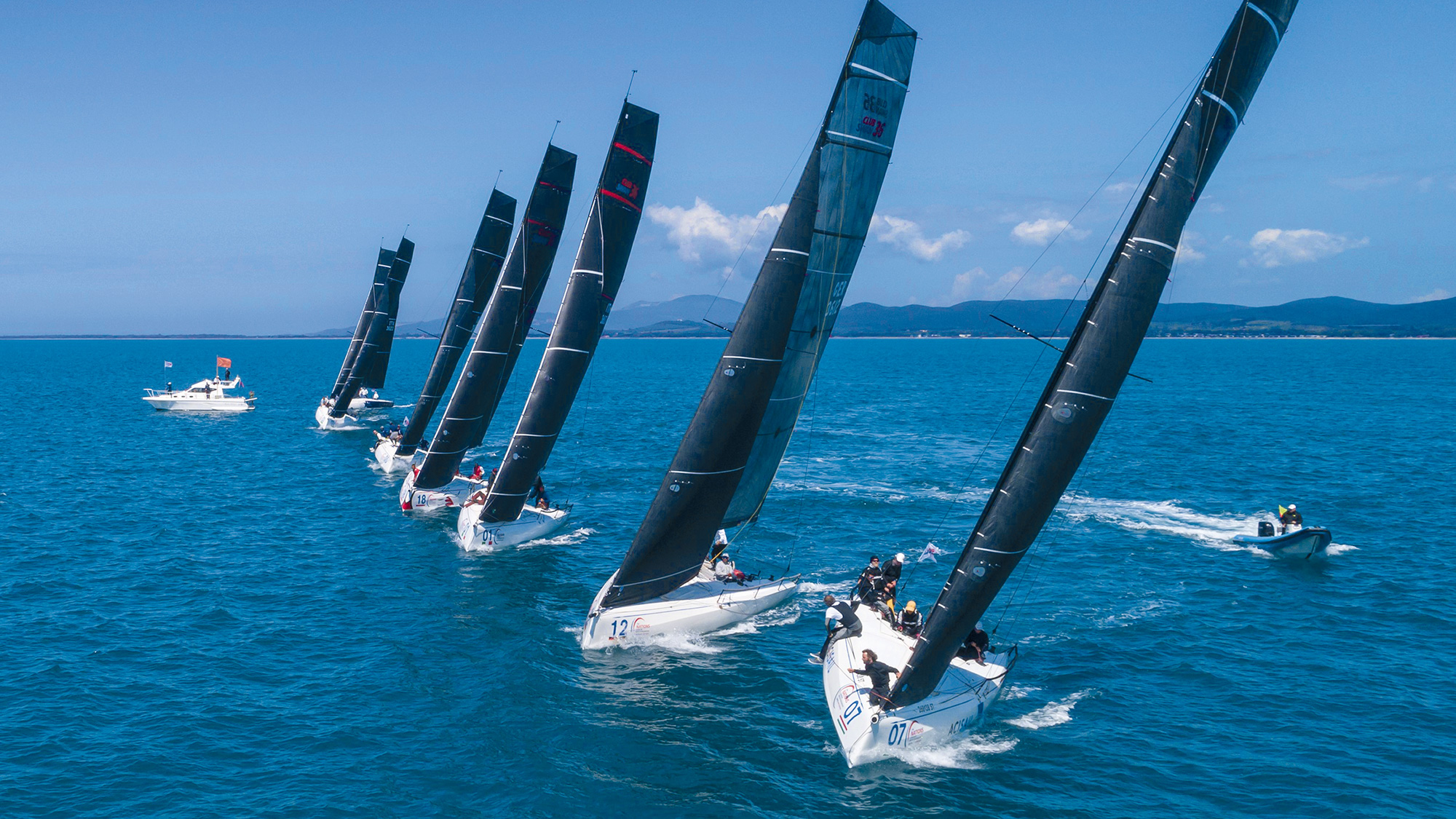
The SAP Sailing Race Manager app simplifies starting, running, and finishing sailing races, with real-time updates for organizers, fans, and media.
Guides:
- How to connect the Race Manager App to an Event
- How to configure wind settings
- How to work with the SAP Sailing Race Manager App
- Editing results with the SAP Sailing Race Manager App
📊 3. SAP Sailing Analytics

SAP Sailing Analytics uses Cloud and In-Memory Technology to process GPS and wind data in real time, delivering insights for organizers and competitors.
All Tutorials:
⚓️ Happy Sailing!
💡 Tip: Bookmark this page for quick access.
For more help, contact support at: support@sapsailing.com.