
🏆 SAP Sailing How-To Tutorials
📑 Skipper’s Handbook
🚀 Welcome to the SAP Sailing knowledge base!
Use this guide to access step-by-step tutorials for each of these tools: Sail Insight, Sailing Race Manager, and Sailing Analytics.
⛵ 1. Sail Insight Application
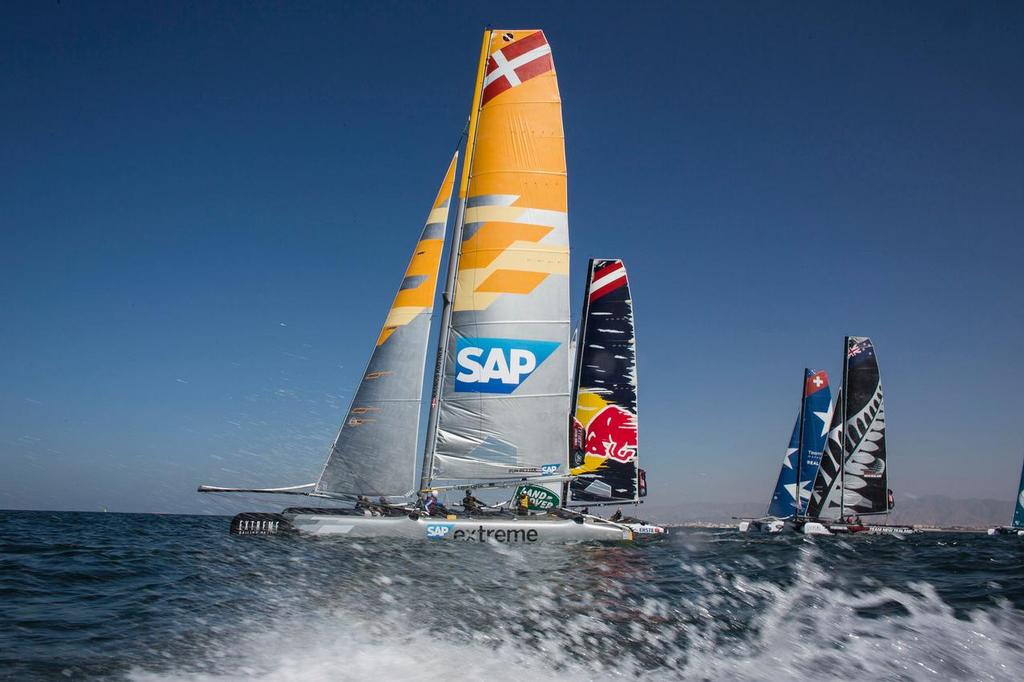
Guides:
- Getting started with Sail Insight
- How-to: Create an event with Sail Insight
- How-to: Managing marks in Sail Insight
- Boat and team creation in Sail Insight
You can also visit FAQ & Answers for common questions.
🏁 2. SAP Sailing Race Manager Application

The SAP Sailing Race Manager app simplifies starting, running, and finishing sailing races, with real-time updates for organizers, fans, and media.
Guides:
- How to connect the Race Manager App to an Event
- How to configure wind settings
- How to work with the SAP Sailing Race Manager App
- Editing results with the SAP Sailing Race Manager App
📊 3. SAP Sailing Analytics
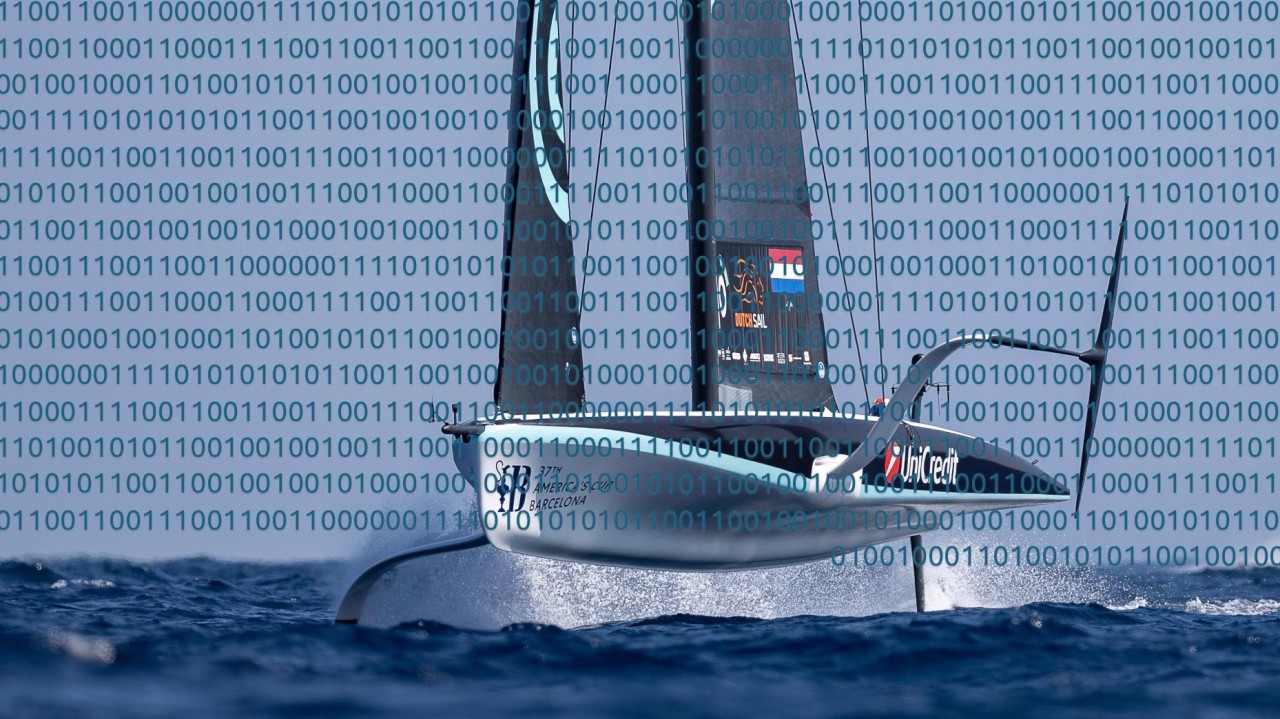
SAP Sailing Analytics uses Cloud and In-Memory Technology to process GPS and wind data in real time, delivering insights for organizers and competitors.
All Tutorials:
| Tracking Race Player Overview | The video below gives an excellent overview of the main functionality of the SAP Race Player which is accessible on a per-race basis via the “Races/Tracking” tab of a regatta. |
| Signing up for a user account | This tutorial will show you how to sign up for a user account at the SAP Sailing Analytics. |
| Introduction to Analytics Backend | The guide General Introduction to SAP Sailing Analytics Backend will give you a look around the SAP Sailing Analytics Admin Console. |
| Create a simple event | This tutorial shows you how to create an event with the SAP Analytics Administration Console on my.sapsailing.com. |
| Add & align Youtube videos | This tutorial shows how to add and align Youtube videos to the tracking timeline. |
| Create complex regattas | This tutorial shows how to create more complex regattas. |
| Edit scores/results | This tutorial shows how to edit scores/results in leaderboards and change competitor data in the SAP Sailing Analytics. |
| Importing results | The video explains how you can import results/scores from other regatta management systems for which the SAP Sailing Analytics have an integration in place, such as YachtScoring and Manage2Sail. |
| Adjust mark position | This episode shows you how to adjust the position of a mark with SAP Sailing Analytics. |
| Set mark position | This episode shows you how to set the position of a mark with SAP Sailing Analytics in case the tracker failed or you were not able to attach a tracker to the mark. |
| Configure wind settings | This tutorial shows how to configure wind settings.. |
| Set up multiple regattas | This tutorial shows how to set up multiple regattas or classes events with the SAP Sailing Analytics. |
| Leaderboard groups explained | This tutorial explains how Leaderboard Groups work in the SAP Sailing Analytics. |
| Split a leaderboard | This tutorial shows how to split a leaderboard into divisions with the SAP Sailing Analytics. |
| Working with course areas | This tutorial shows how to work with course areas in SAP Sailing Analytics. |
| Work with Race Manager app | This tutorial explains how to work with the SAP Sailing Race Manager Application. |
| Connect Race Manager to event | This tutorial shows how to connect the Race Manager Application to an event. |
| Editing results | This tutorial explains how to edit results with the SAP Sailing Race Manager Application. |
| Set up matchrace event | This episode shows you how to set up a matchrace event with the SAP Sailing Analytics. |
| Security system intro | This episode serves as an introduction to the security system of the SAP Sailing Analytics. |
| Default creation group | This episode shows how to set a default creation group in user details with the SAP Sailing Analytics. |
| Make group public | This episode shows how to make everything your group owns readable for everyone in the SAP Sailing Analytics. |
| Publish an event | This episode shows how to publish an event through a dedicated user group in the SAP Sailing Analytics. |
| Import a GPX track | This episode shows how to import a track from a GPX file. |
| Fix device assignment | This episode shows how to fix races when a device is assigned to multiple competitors accidentally. |
| Data Mining Tool intro | This tutorial gives an introduction to the SAP Sailing Analytics Data Mining Tool. |
| Copy course to race | This tutorial explains how to copy course to other race. |
| Course set up | This tutorial explains how to set up course in AdminConsole. |
⚓️ Happy Sailing!
💡 Tip: Bookmark this page for quick access.
For more help, contact support at: support@sapsailing.com.