This guide will show you how to create a user account in order to track your own events inside Sail Insight and show you around the main sections of the app.
Do I need an acccount to use Sail Insight?
You can use Sail Insight without an account, if you have been invited to participate to an event created someone else. Simply scan the QR-code that you have been sent and click on "Join Race".
If you want to track your own trips or set up an event to sail with or against other people you will need to sign up for an account.
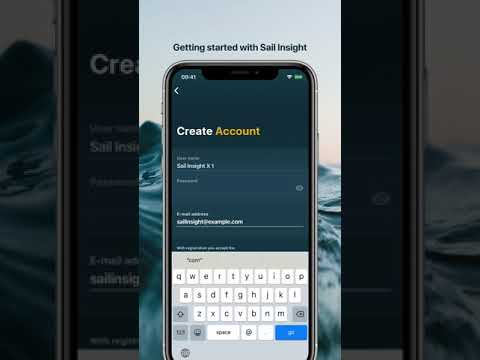
How-to create an account
After opening Sail Insight create a new account by clicking on "Register".
Pick a username and password. These will be used to log into the app or sapsailing.com later.
You will also need to provide your email so that we can reset you password, should you loose access to your account. After you created your account you can optionally create your first boat. Alternativly, you can do this later once you participate in your first event.
An overview of the Sail Insight app
Track
This is the screen where you can start tracking or scan a QR-code to join an event.
Events
All past tracks and events that you partipated in are listed on the "Events" tab.
Inventory
If you organise your own events, your marks that have been bound to locations or tracking devices will be listed on the "Inventory" tab. This allows you to reuse common marks that you use again and again when defining the course for a race.
Acount
The "Account" tab is where you can choose what boat you are sailing with or update your account details.