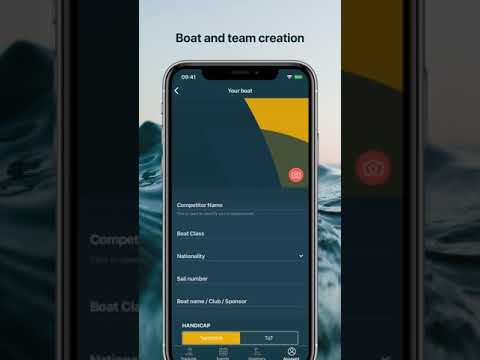
This guide will show you how to create your first boat or manage multiple boats, should you sail with more than one.
Sail Insight allows you to sail with multiple boats or teams. When you first set up Sail Insight, we ask you to set up your first boat, but you can edit it or create more at any time.
Edit a boat
To edit a previsouly created boat, click the "Account" tab near the bottom right of the screen. Then click the "My Boats" menu item. Pick the boat that you previously created and edit the necesarry fields. Scroll down to press "Save".
Create a new boat
Click the "Account" tab near the bottom right of the screen. Then click the "My Boats" menu item, followed by the "New Boat" button. Enter all details and scroll down to press the "Save" button.