Amazon EC2 for SAP Sailing Analytics
General Information and Security
Since XXX 2013 this project is using EC2 as the server provider. Amazon Elastic Compute Cloud (EC2) is a central part of Amazon.com's cloud computing platform, Amazon Web Services (AWS). EC2 allows users to rent virtual computers on which to run their own computer applications. EC2 allows scalable deployment of applications by providing a Web service through which a user can boot an Amazon Machine Image to create a virtual machine, which Amazon calls an "instance", containing any software desired. A user can create, launch, and terminate server instances as needed, paying by the hour for active servers, hence the term "elastic".
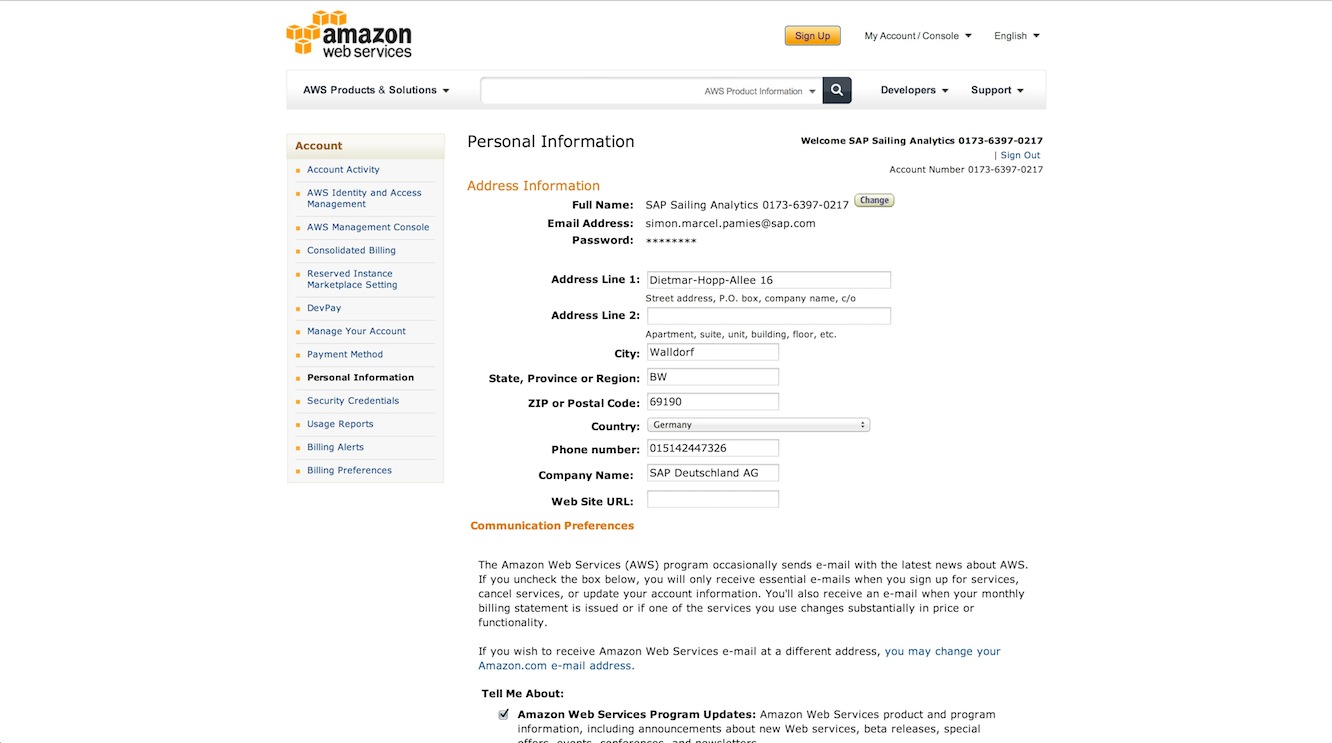
This project is associated with an SAP Sailing Analytics account that, for billing purposes, is a subsidiary of a main SAP billing account. The Analytics account number is "0173-6397-0217 (simon.marcel.pamies@sap.com)" and connected to "SAP CMC Production (hagen.stanek@sap.com)". It has "Dr. Axel Uhl (axel.uhl@sap.com)" configured as operations officer that can be contacted by Amazon in case of problems with the instances.
The main entry point for the account is https://console.aws.amazon.com/. There you can only log in using the root account. You will then have access to not only the EC2 Console but also to the main account details (including billing details).
Associated to the root account are n users that can be configured using the IAM (User Management, https://console.aws.amazon.com/iam/home). Each of these users can belong to different groups that have different rights associated. Currently two groups exist:
-
Administrators: Users belonging to this group have access to all EC2 services (including IAM). They do not have the right to manage main account information (like billing).
-
Seniors: Everyone belonging to this group can not access IAM but everything else.
Users configured in the IAM and at least belonging to the group Seniors can log in using the following url https://017363970217.signin.aws.amazon.com/console. All users that belong to one of these groups absolutely need to have MFA activated. MFA (Multi-Factor-Authentication) can be compared to the RSA token that needs to be input every time one wants to access the SAP network. After activation users need to synchronize their device using a barcode that is displayed in IAM. The device can be a software (Google Authenticator for iOS and Android) or a physical device.
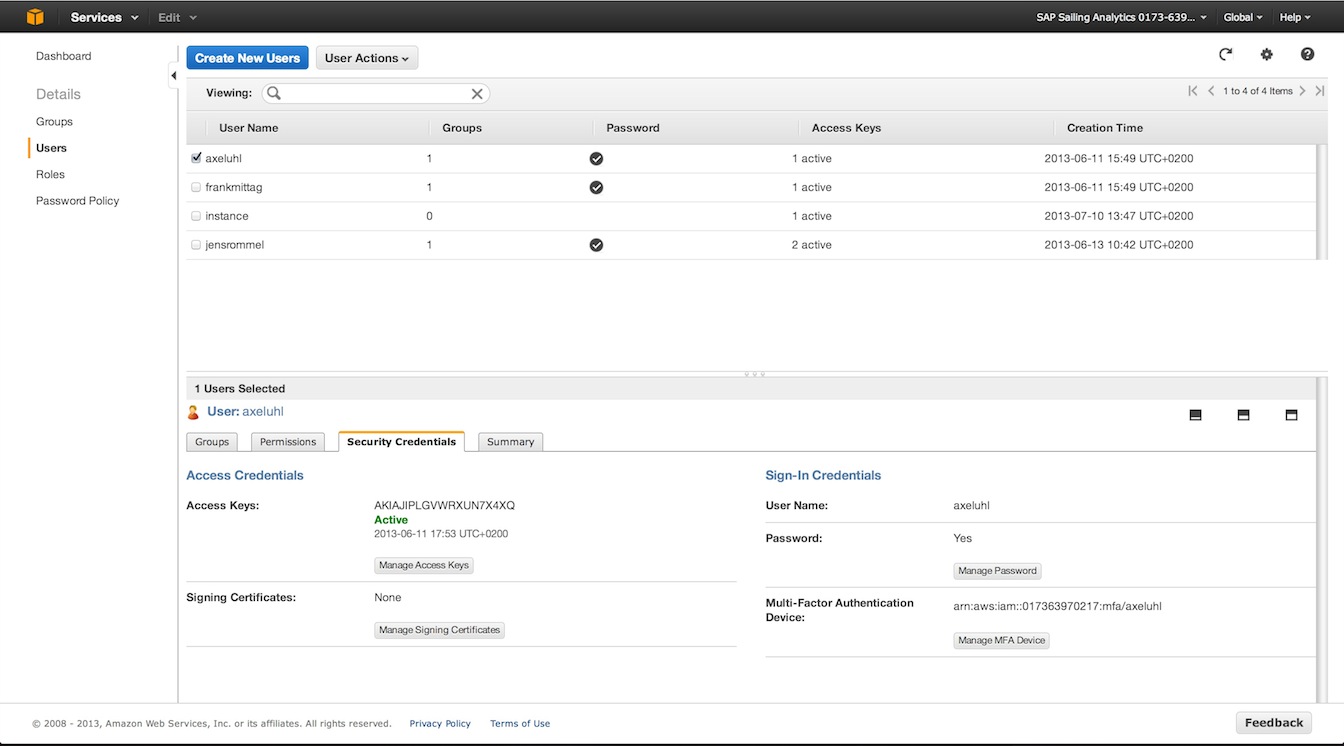
In addition to having a password and MFA set for one user one can activate "Access Keys". These keys are a combination of hashed username ("ID") and a password ("Key"). These are needed in case of API related access (e.g. S3 uploader scripts). One user should not have more than 1 access key active because of security concerns and never distribute them over insecure channels.
EC2 Server Architecture for Sailing Analytics
The architecture is divided into 3 logical tiers. These are represented by firewall configurations (Security Groups).
Creating a new application instance
Find detailed instructions on how to create a new instance here wiki/amazon-ec2-create-new-app-instance.
Glossary
| Term | Description |
| Instance | Virtual machine that runs on a Xen host. Such an instance runs forever until it is stopped. It will be billed by hours it ran. Each start will be billed by a full hour. |
| Spot Instance | Instances that run whenever there are free resources. It is not possible to control when or where these instances run. These instances are much cheaper than normal instances. |
| AMI | Amazon Machine Image: Image file that contains a filesystem and a preinstalled operating system. One can create AMIs very easily from a stopped Instance by first creating a snapshot and then converting it to an AMI. |
| Volume | An active harddisk that can be associated to one Instance. |
| IOPS | Input/Output operations per second. Metric used to denote the performance of a volume. The higher the IOPS value the better the speed. Be aware of the fact that IOPS is metered by IOPS/h and is very expensive. Use with care! |
| Snapshot | Snapshot of a Volume |
| Elastic IP | IP address that can be associated to an instance. Any Elastic-IP not associated to a running Instance costs some amount of money per hour. |
| Security Group | Firewall configuration that can be associated to an instance. There is no need of configuring iptables or such. One can associate many instances the the same Security Group. |
| Load Balancer | Service that makes it possible to balance over services running on different instances. |
| Network Interfaces | Virtual network interfaces that are mapped to physical network interfaces on instances. |